Zones
Circles on the map that alert your groups when nodes enter or leave.
Add a zone
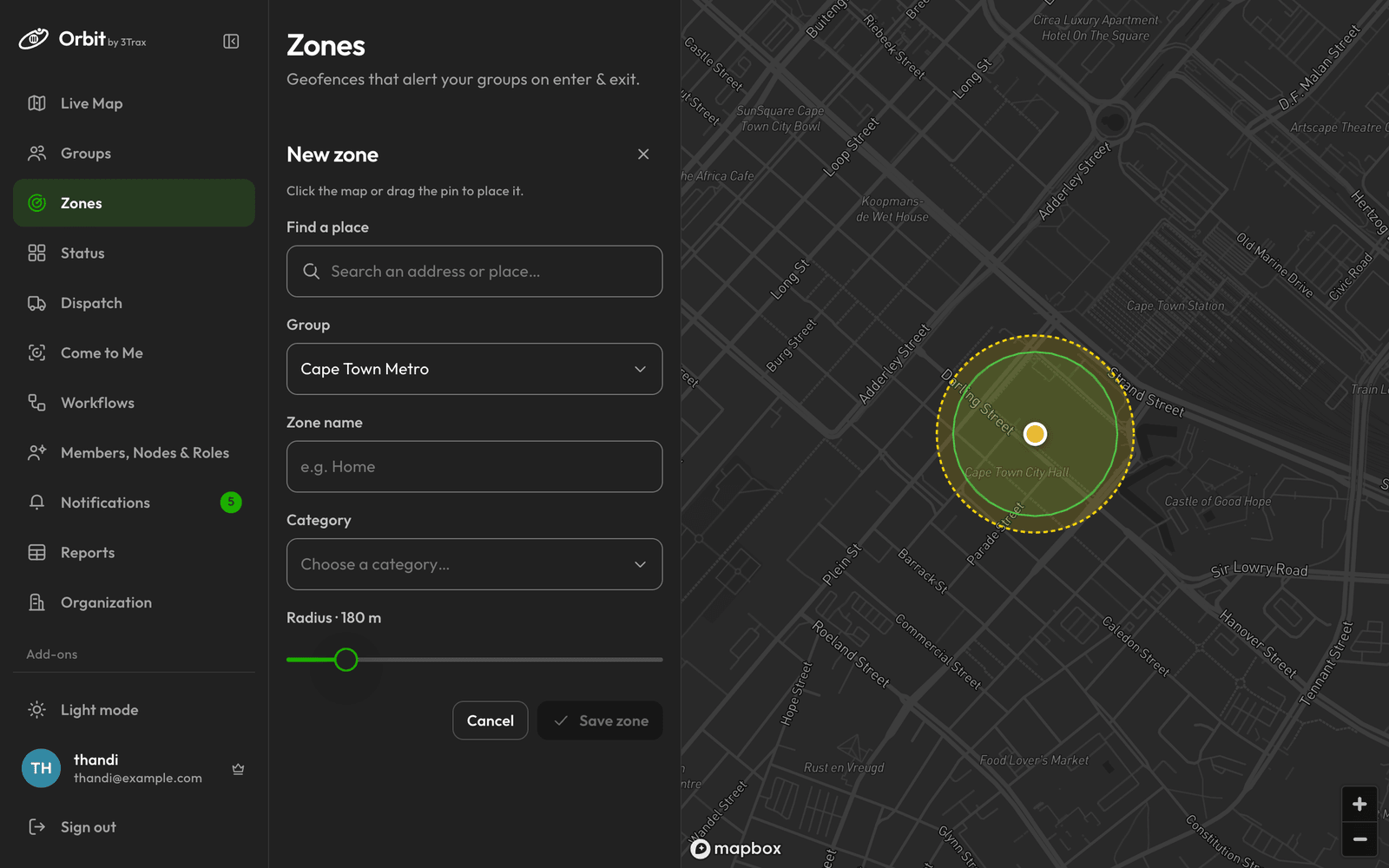
A zone is a circle around a point.
- Under Zones, click Add.
- Use Find a place, or click the map, or drag the pin.
- Choose a Group and enter a Zone name.
- Pick a Category and set the Radius, between 50 and 1000 m.
- Click Save zone.
Find and remove zones
Use All groups to filter the list, and click a zone to see it on the map. To remove one, use the delete icon on its row. To change a zone, delete it and add it again.